Mobile visitors don’t wait. If the main content takes several seconds to appear, some people leave before they see your offer. Speed isn’t a technical detail; it’s part of selling. And Google pays attention to it too.
How to measure speed
- PageSpeed Insights (pagespeed.web.dev) — enter an address and get real Chrome user data (if there is enough) and a lab test with a 0–100 score and a list of recommendations.
- Google Search Console — the Core Web Vitals report shows which groups of pages are slow.
- Lighthouse in Chrome — the same lab test right in the browser (F12, Lighthouse tab).
Measure mainly the mobile version and more than just the homepage: article or product templates are often slower.
Core Web Vitals: what they mean and what is good
Google measures three values and considers them good when at least 75% of page visits reach them, separately on mobile and desktop.
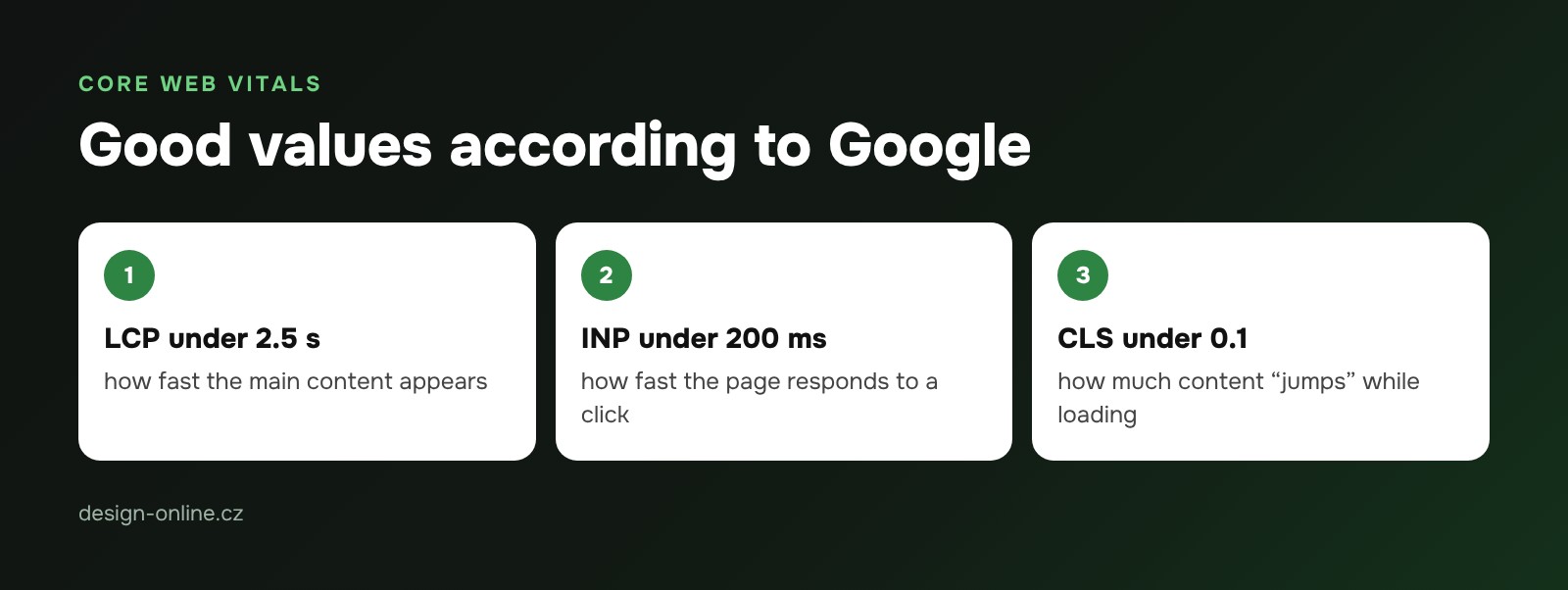
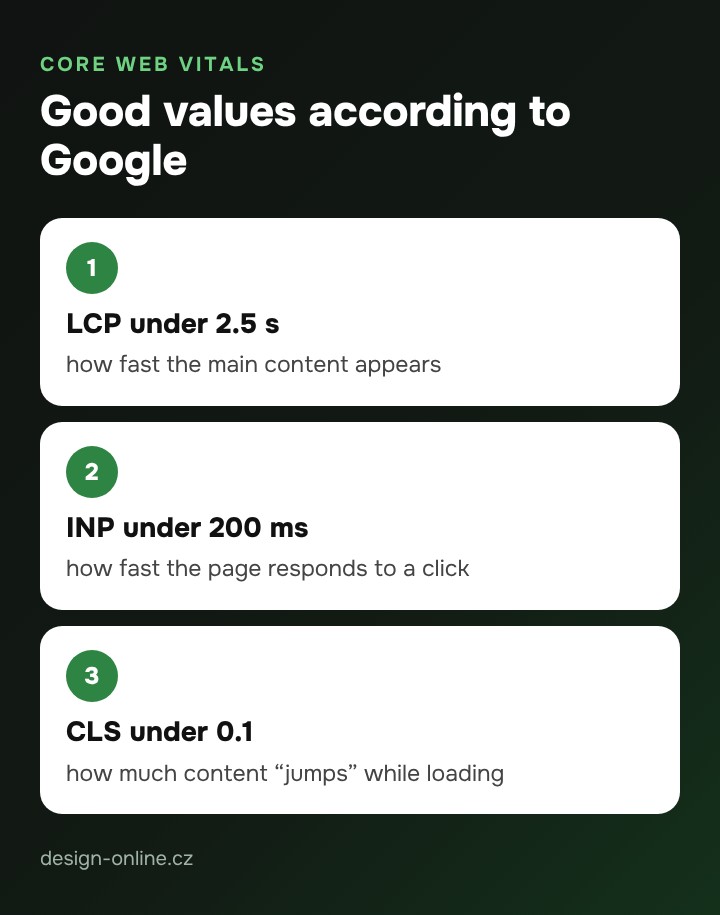
- LCP (Largest Contentful Paint) — how fast the largest element appears, usually the main image or heading. Good: within 2.5 seconds.
- INP (Interaction to Next Paint) — how fast the page responds to a click or typing. Good: within 200 milliseconds.
- CLS (Cumulative Layout Shift) — how much the content moves while loading (a button “runs away” from your finger). Good: below 0.1.
The 10 most common causes of a slow website
- Heavy images — a 5 MB camera photo instead of a resized WebP or AVIF version.
- Video or slider at the top — loads before the text and delays LCP.
- Too many plugins — each adds its own scripts and styles.
- Third-party scripts — chats, tracking codes, maps, social widgets.
- Web fonts — several font weights from someone else’s server.
- No caching — the server builds every page from scratch.
- Slow hosting — a long server response before anything starts downloading.
- Render-blocking CSS and JavaScript — the browser waits for files instead of drawing the page.
- Images without dimensions — they push text around after loading (CLS).
- An animated first heading — a fancy slide-in delays the moment the browser counts it as displayed.
What you can do yourself and what needs a developer
Yourself: resize images and convert them to WebP (a WordPress plugin can do it), remove unused plugins and widgets, replace the top video with a photo, turn on a caching plugin, load the map only on click.
With a developer: theme changes (critical CSS, deferred scripts), self-hosted fonts, lazy-loading videos and maps, image dimensions in the template, moving to faster hosting, INP fixes on complex pages.
Example: what we sped up on our own site
On design-online.cz in October 2026 we made the videos at the top load only on scroll, shrank the main video from 1.5 MB to 0.5 MB, converted 1,370 images to WebP (75% smaller), removed the first-heading animation and set long caching for static files. The result in Lighthouse on mobile:
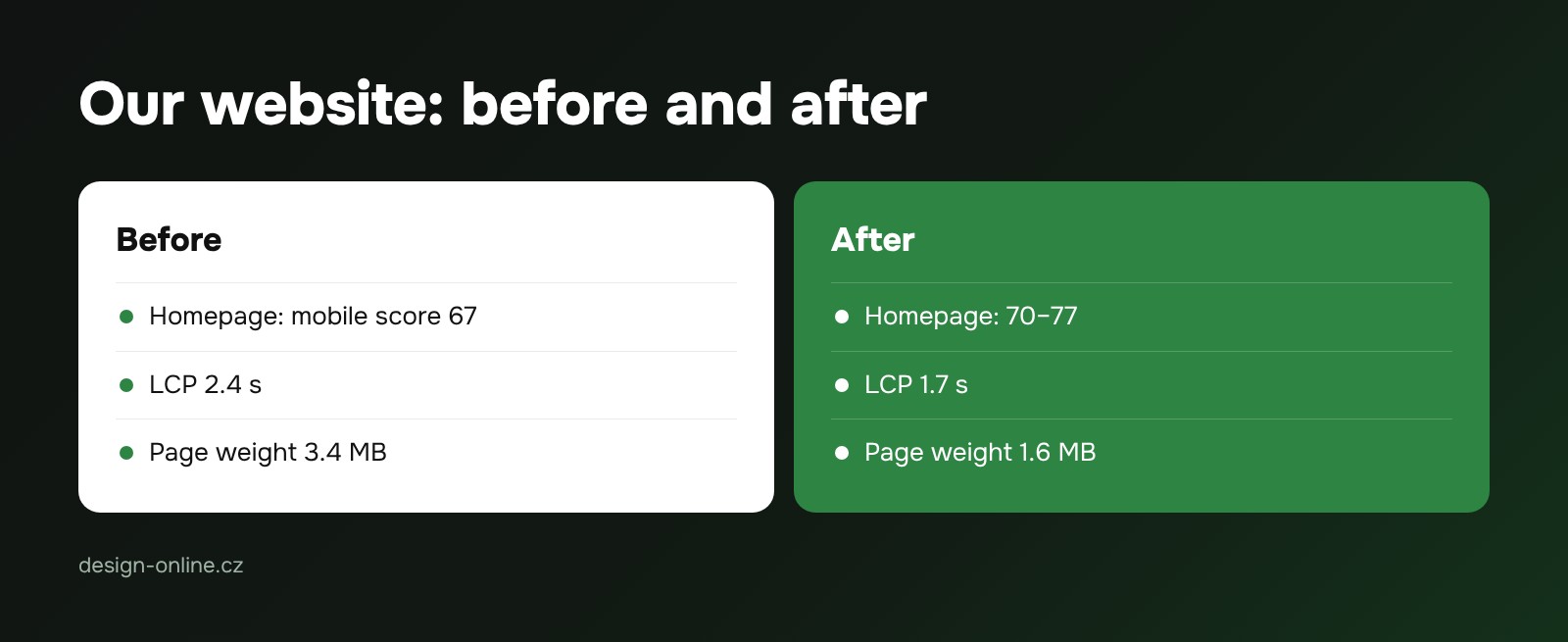
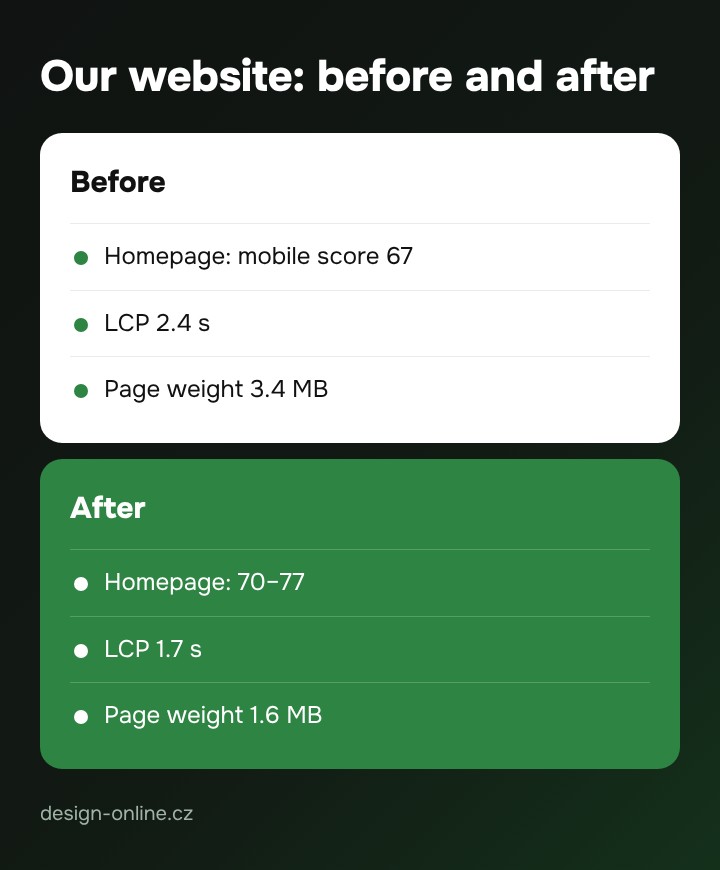
- homepage: score 67 → 70–77, LCP 2.4 s → 1.7 s, weight 3.4 MB → 1.6 MB
- article page: 74 → 94
- portfolio: 77 → 98
Lab scores fluctuate, so we give a range. What counts is real-user data in Search Console.
Want to know how your site is doing?
Send us the address and within 48 hours you get a free express website check including speed. We do the fixes as part of website support or a redesign.