When someone searches for “hairdresser Karlín” or “car service Brno”, Google first shows a map with three businesses. You cannot get into that top three with ads or a nice website — only with a well-completed Google Business Profile (formerly Google My Business). The profile is free, and for any business with premises or local clients it is one of the cheapest sources of enquiries.
What a Google Business Profile is
It is your business listing on Google Maps and in Google Search: address, phone, opening hours, website, photos, services and reviews. Clients can call, message you or get directions straight away — often without visiting your website.
How to create your profile
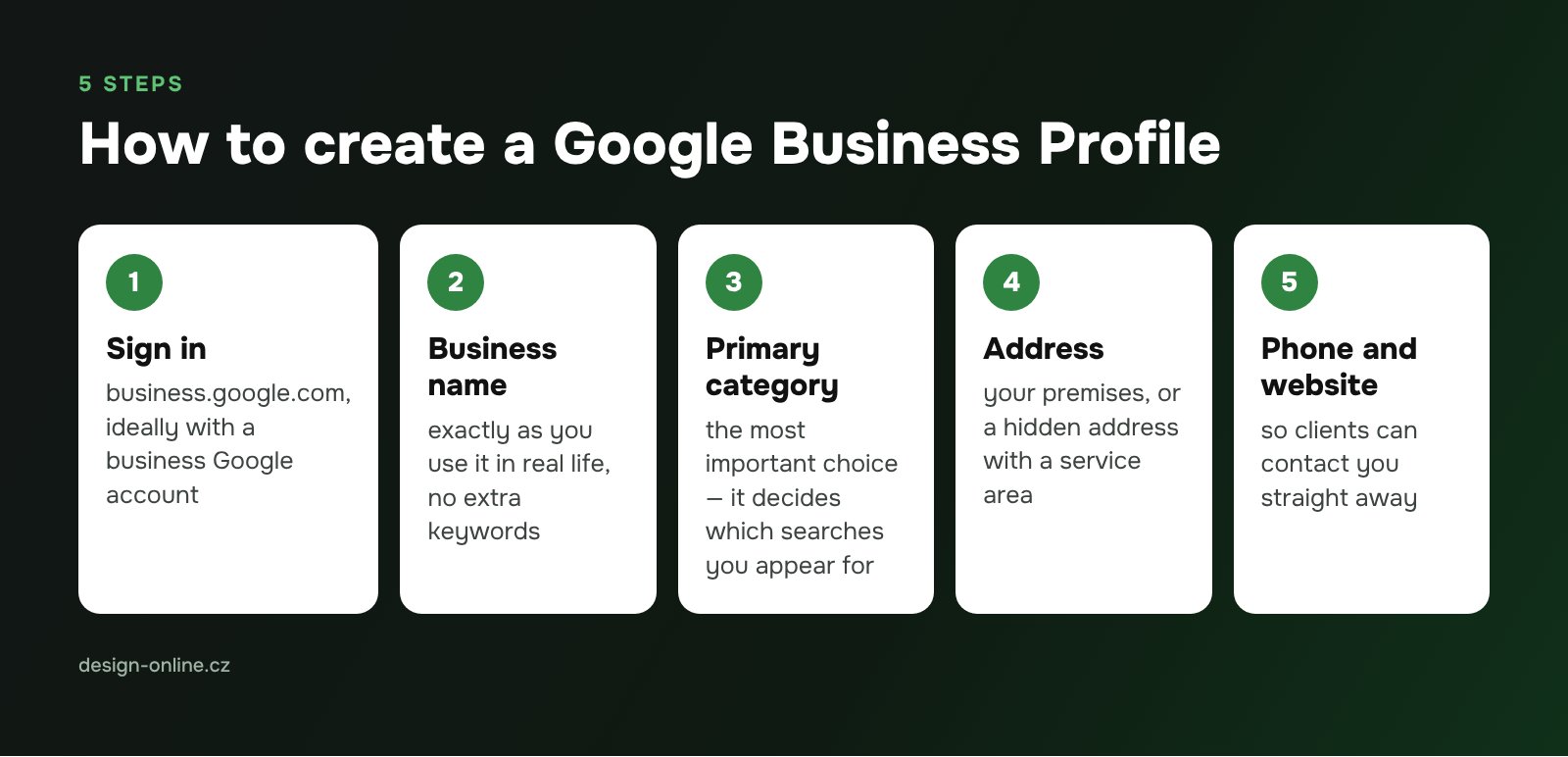
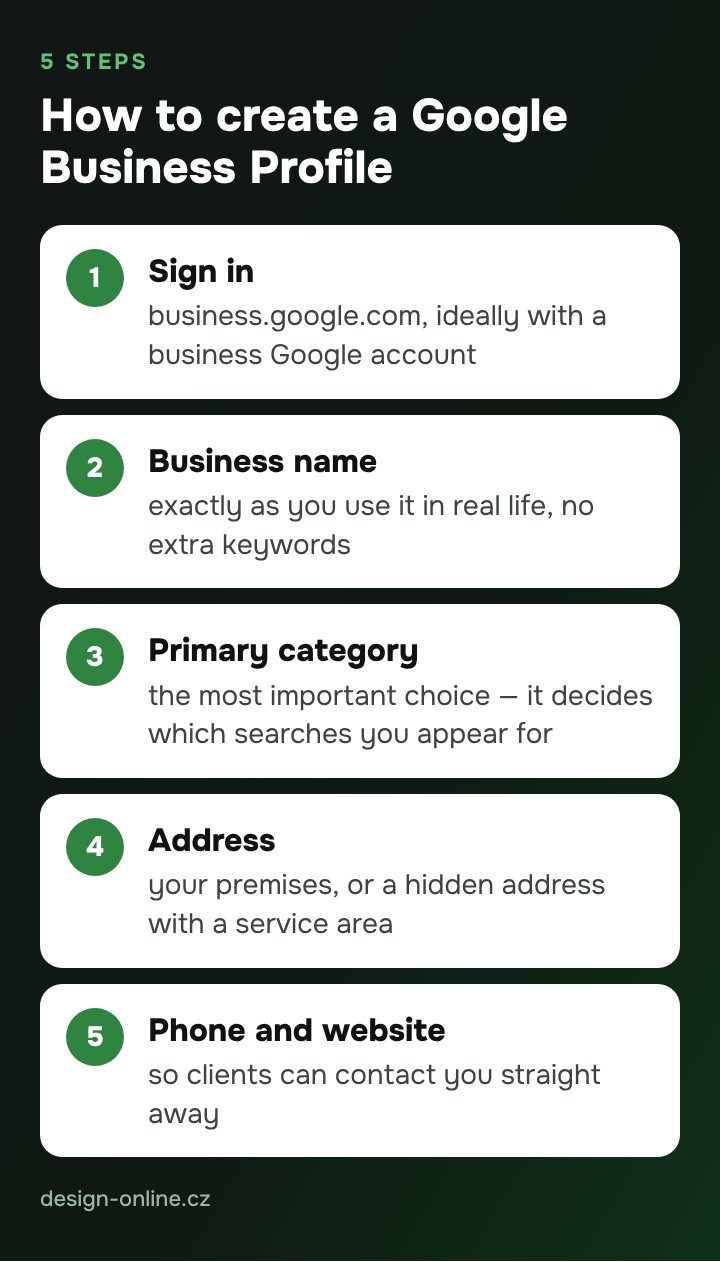
- Sign in at business.google.com with a Google account (ideally a business account, not a personal one).
- Enter your exact business name — the way you use it in the real world, without extra keywords.
- Choose your primary category. This is the most important choice: it decides which searches you appear for.
- Add your address. If you serve clients at their location (repairs, cleaning), you can hide the address and set a service area.
- Add your phone and website.
Verification
An unverified profile is not fully shown. Google decides which methods you can use:
- video recording — you film your premises, work equipment and proof that you manage the business (Google’s recommended option);
- phone call or text with a code;
- email;
- live video call with a support agent;
- postcard with a code — usually arrives within 14 days; do not change your name, address or category while you wait.
After you submit, Google reviews the verification, which according to its help pages can take up to 5 business days.
What to fill in so the profile brings clients
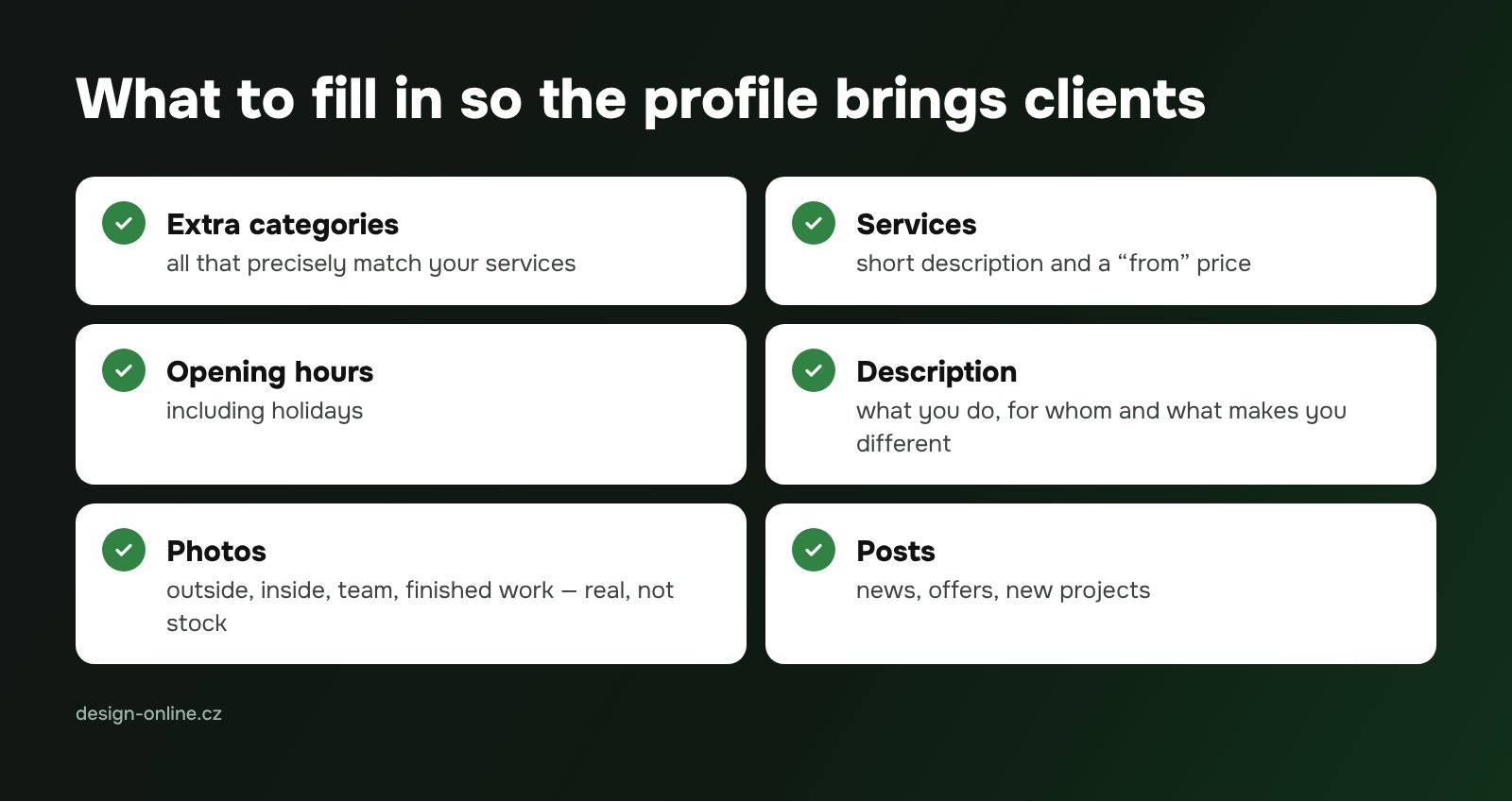
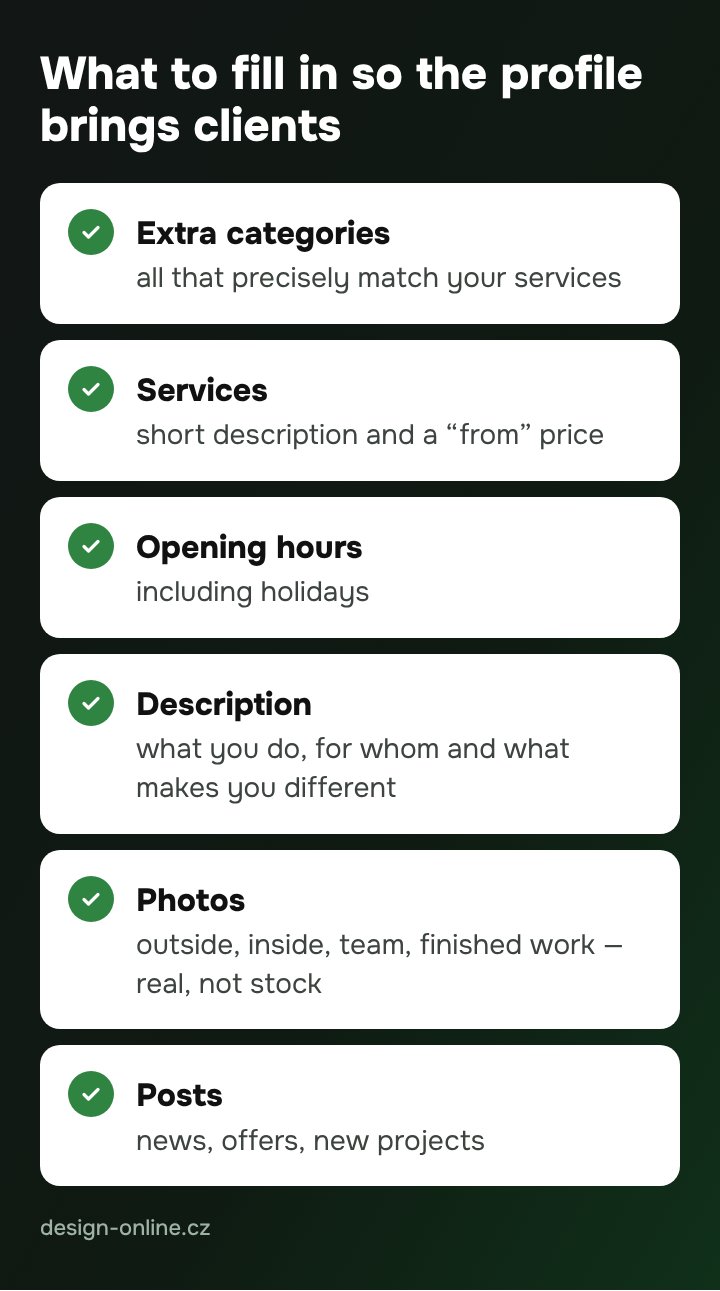
- Additional categories that precisely match your services.
- Services with a short description and a “from” price.
- Opening hours, including holidays.
- Description — what you do, for whom and what makes you different. Write for people, not for search engines.
- Photos — outside and inside, your team, finished work. Real photos work better than stock images.
- Posts — news, offers, new projects.
Reviews
Do not buy reviews or write them yourself — Google removes fake reviews and may restrict your profile. A simple routine works: after each completed job, send the client the direct review link (you will find it in your profile) with a short request. Reply to every review, calmly and to the point.

Common mistakes
- Duplicate profiles — an old listing from a previous owner or after a move.
- Keywords in the business name (“Hairdresser Prague Cheap”) — against Google’s rules.
- A different address or phone on Google, your website and directories. Google and AI assistants compare this data; inconsistencies reduce trust.
- Setting up the profile and forgetting it.
Why Firmy.cz matters too
Many Czechs search with Seznam, the local search engine. Its equivalent of Google Business Profile is the Firmy.cz directory. Fill it in just as carefully and with the same details. More on Seznam and its ad platform Sklik in our guide to marketing in Czechia beyond Google.