When someone searches for a specific product, Google often shows a row of cards with a photo, price and store name. To get your products there, you need Google Merchant Center — a free tool your store sends product data to.
What Merchant Center is and how it relates to Google Shopping
Merchant Center is Google’s “data warehouse” for your products: name, price, availability, photos, shipping, returns. Google uses this data to build results in the Shopping tab, image results, Google Lens, YouTube and Maps. Without Merchant Center, your products won’t appear there.

Free listings vs paid campaigns
- Free listings — products can be shown for free. They are switched on automatically for new accounts; you’ll find them in Merchant Center under Marketing → Marketing methods. Google doesn’t guarantee impressions, though.
- Paid Shopping ads — Google Ads campaigns (Performance Max or Shopping campaigns) that use Merchant Center data. You pay per click and get far more impressions in better positions.
A sensible order: start with free listings, fix feed errors, and only then launch a paid campaign.
How to set up Merchant Center
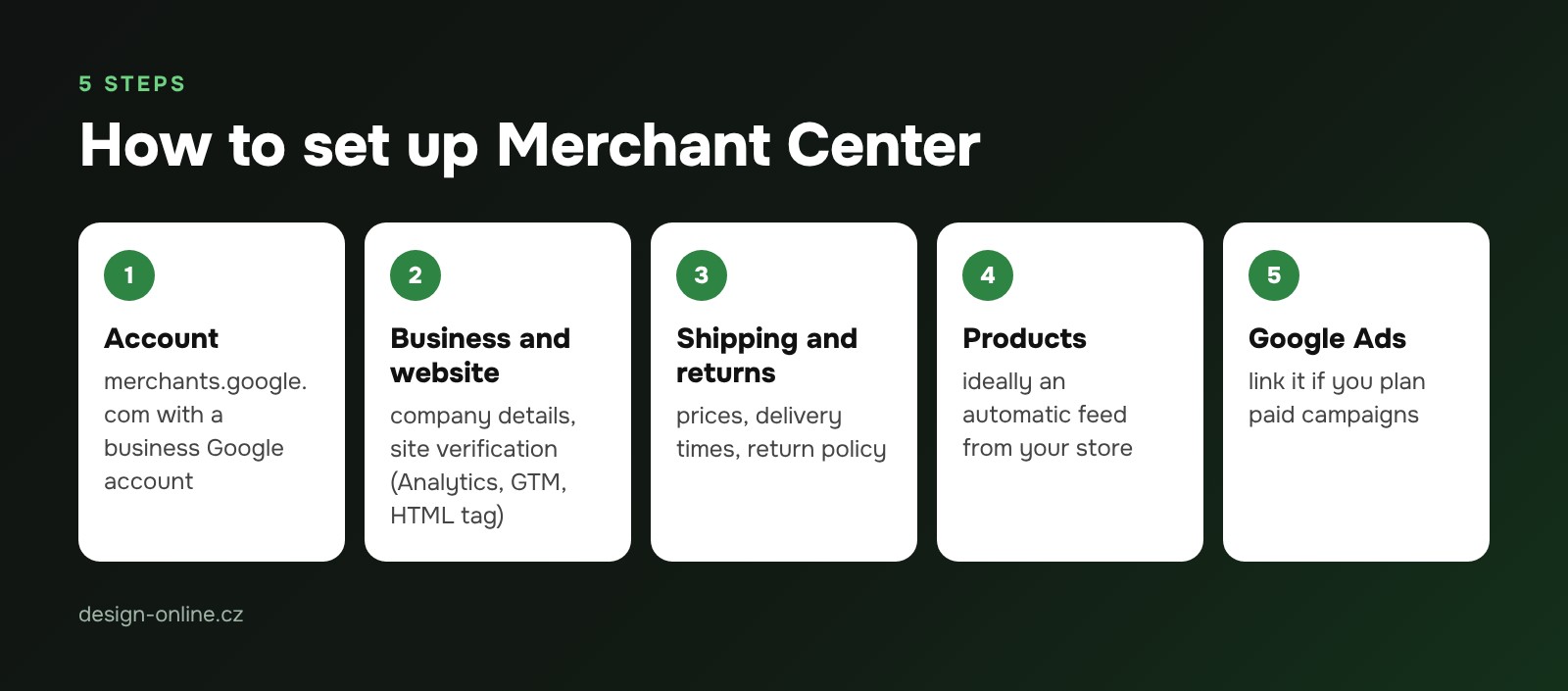
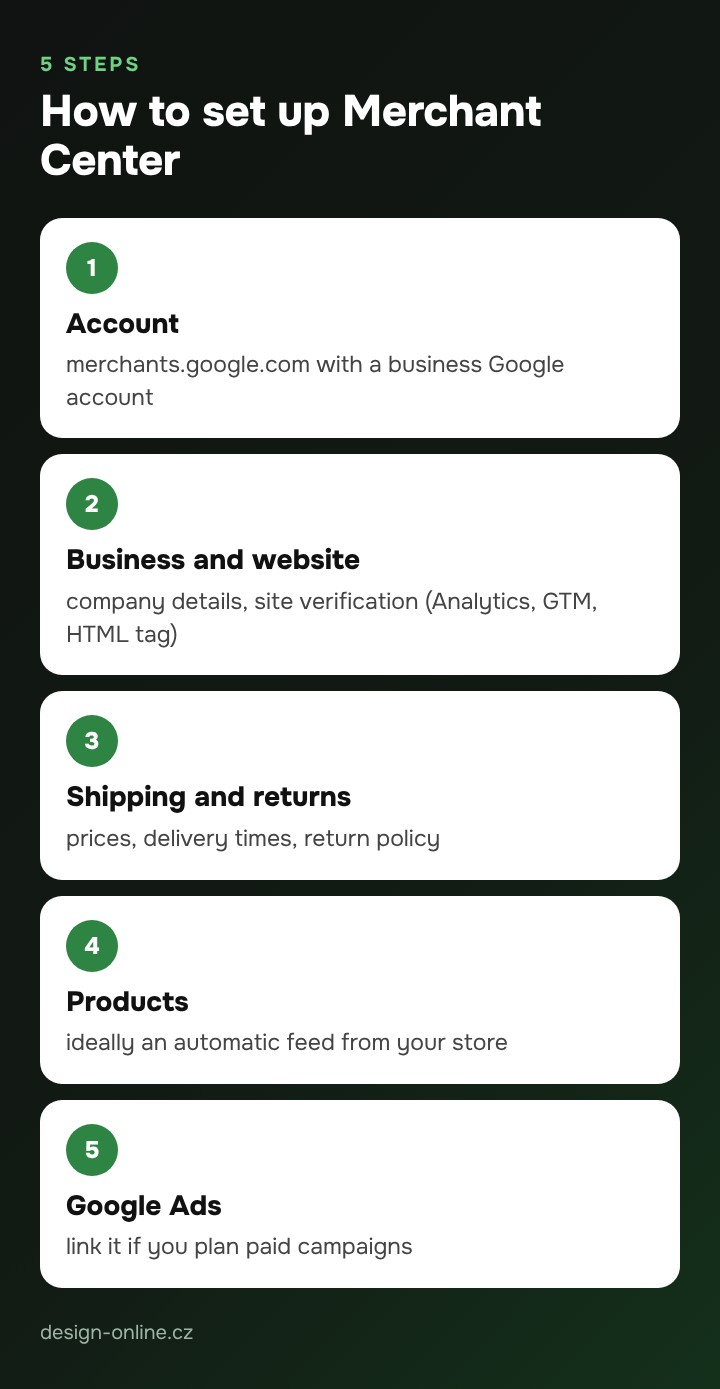
- Create an account at merchants.google.com using a business Google account.
- Fill in your business details and verify your website — easiest via Google Analytics, Google Tag Manager or an HTML tag.
- Set up shipping (prices and delivery times) and a return policy. Without them Google often limits products.
- Add products — ideally with an automatic feed from your store.
- Link Merchant Center to your Google Ads account if you plan paid campaigns.
Connecting a feed from Shoptet or WooCommerce
- Shoptet can export products to an XML feed for Google. You add the feed URL to Merchant Center as a scheduled fetch, for example once a day.
- WooCommerce — usually the official Google for WooCommerce plugin or a dedicated feed plugin. The plugin keeps prices and availability in sync with your site.
Whatever you use, the feed must update automatically. Uploading a spreadsheet by hand leads to price mismatches and disapprovals.
Most common reasons for product disapproval
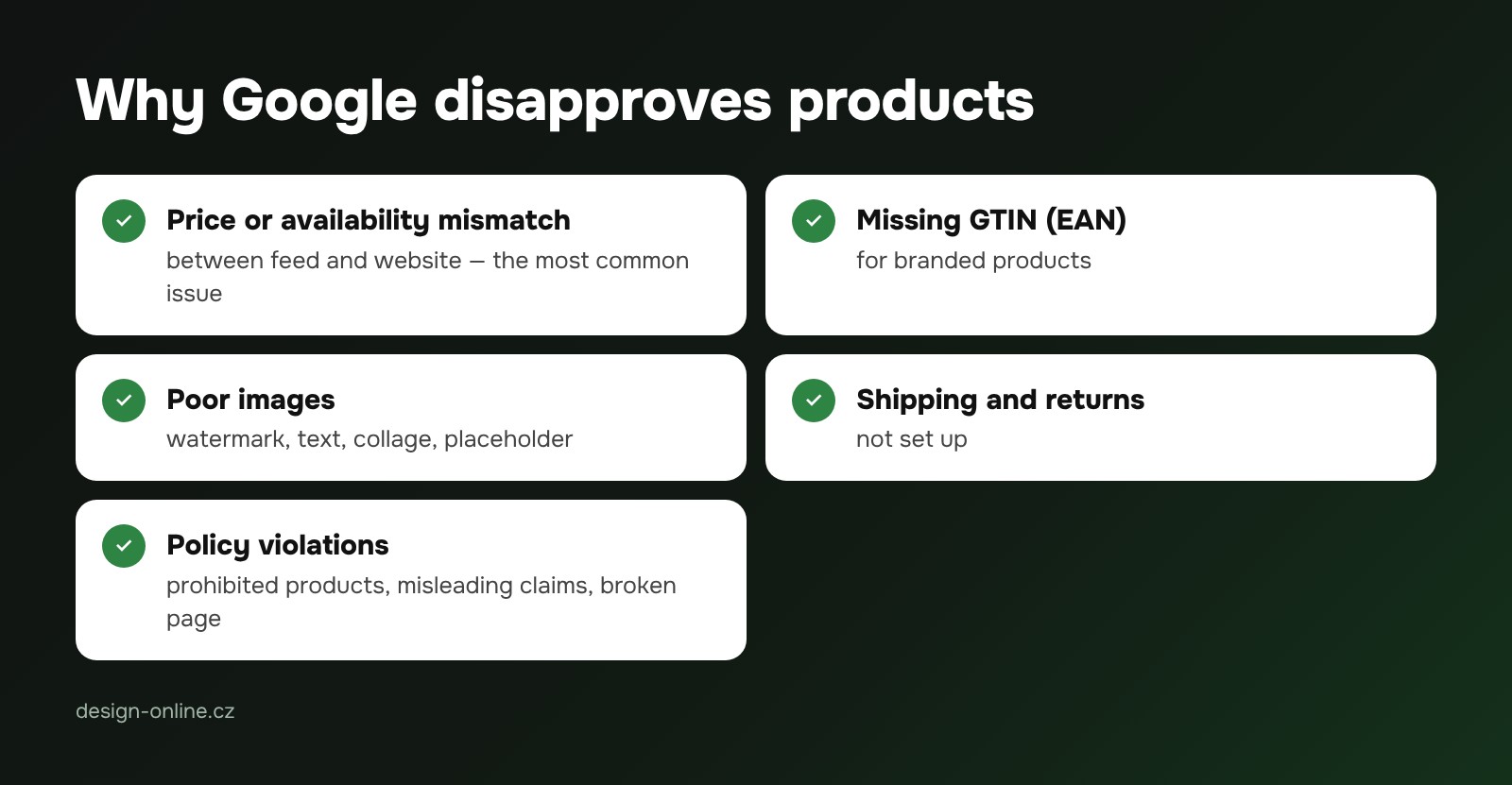
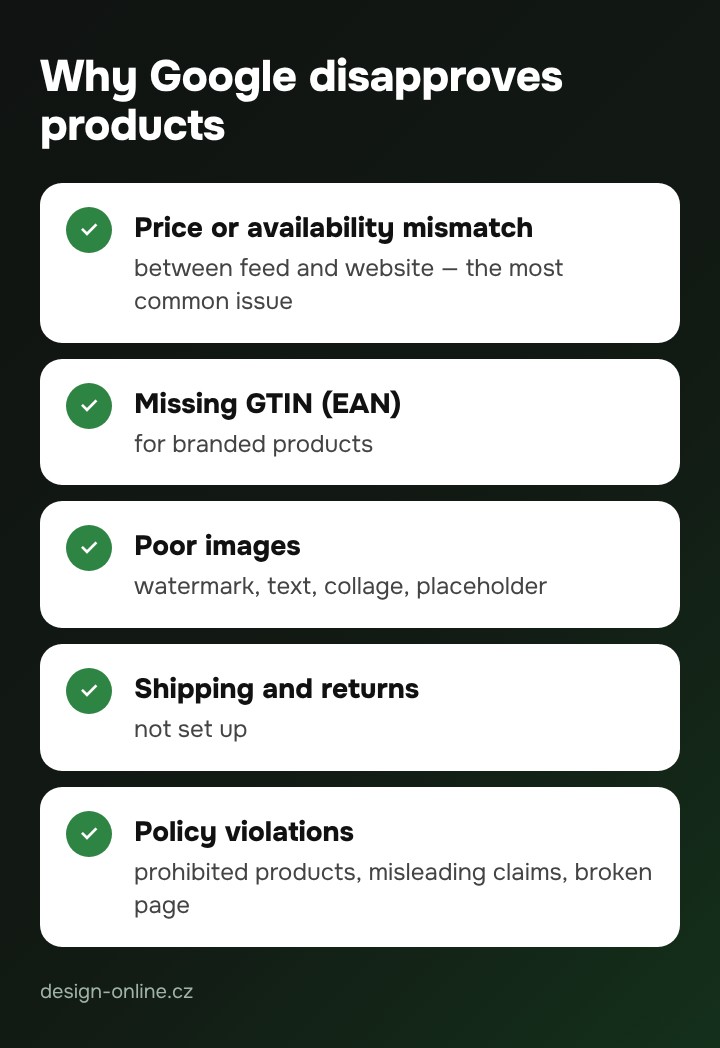
- Price or availability mismatch between the feed and the website — the most common issue.
- Missing GTIN (EAN) for branded products.
- Poor images — watermark, text over the image, a collage or a placeholder.
- Missing shipping or return policy.
- Policy violations — prohibited products, misleading claims, a broken product page.
You’ll find the list of errors in Merchant Center under Products → Diagnostics. Fix them at the source (in your store), not manually in Merchant Center.
What a Google Shopping campaign costs
Merchant Center and free listings cost nothing. In paid campaigns you set the budget yourself and pay Google per click. Cost per click varies by industry and competition, so we start with a smaller test budget and adjust based on results. Campaign management with us costs from 8,900 CZK per month; you pay the ad budget directly to Google.